
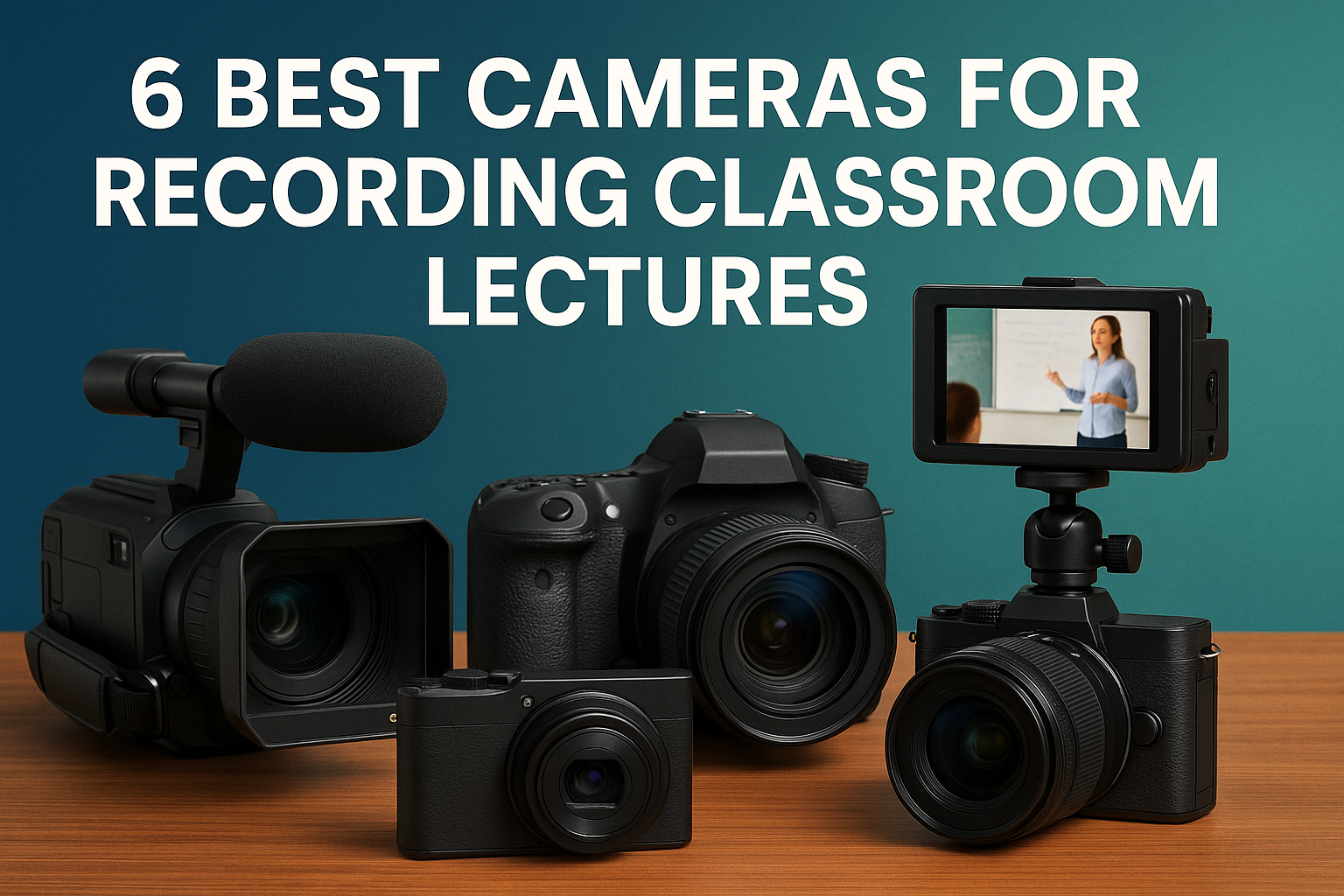

As education evolves, the demand for effective tools to record and share classroom lectures has surged. Whether you’re a teacher aiming to enhance the learning experience or a student looking to capture lessons for personal review, investing in the best cameras for recording lectures can make a significant difference. In this article, we’ll delve into the top six options currently available, exploring their features, benefits, and suitability for educational purposes.
1. Logitech C920 HD Pro Webcam
The Logitech C920 HD Pro Webcam stands out as a versatile option for lecture recording. With its impressive 1080p resolution, it delivers crystal-clear video quality, ensuring that every detail is captured accurately. This webcam is equipped with dual microphones that provide stereo audio, an essential feature for capturing the nuances of a lecture.
One of the significant advantages of the C920 is its plug-and-play functionality, making it easy to set up without the need for complex software installations. It’s compatible with various operating systems, including Windows, macOS, and Linux, which adds to its flexibility. Additionally, its compact design allows it to be mounted on most monitors or laptops, making it ideal for recording lectures in different settings, whether in a classroom or a home office.
2. Canon VIXIA HF R800
If you’re looking for a camcorder specifically designed for capturing high-quality video, the Canon VIXIA HF R800 is an excellent choice. This camcorder features a 57x advanced zoom, allowing you to capture wide shots of the classroom or zoom in on the lecturer without losing clarity. With a 1080p Full HD resolution, it ensures that lectures are recorded with vibrant colors and sharp details.
Another notable feature is its optical image stabilization, which minimizes blur caused by shaky hands or movement. This is particularly beneficial in a dynamic classroom environment. The VIXIA HF R800 also allows for easy transfer of files to a computer via built-in Wi-Fi, making it straightforward to upload lectures for students to access later. With its user-friendly touchscreen interface, this camcorder is suitable for both seasoned videographers and novices alike.
3. Panasonic Lumix GH5
For those who want professional-quality video, the Panasonic Lumix GH5 is one of the best cameras for recording lectures. This mirrorless camera boasts a Micro Four Thirds sensor, which excels in low-light conditions—an important aspect for classrooms with varying lighting. Its 4K video capabilities ensure that lectures are recorded sharp and clean, providing a high-definition experience for viewers.
The GH5 offers extensive manual controls, allowing educators to adjust settings for optimal recording conditions. Additionally, it supports a wide range of lenses, making it adaptable for different recording angles and distances. The camera’s dual image stabilization feature is ideal for movement, ensuring that the video remains smooth. Although it may require a bit more expertise to use, the investment in the GH5 pays off with superior video quality.
4. Sony ZV-1
The Sony ZV-1 is tailored for content creators and educators alike. This compact camera combines portability with high-quality video recording capabilities. With a 20.1 MP sensor and the ability to record in 4K, it produces stunning visuals that can engage students effectively. Its built-in directional microphone captures clear audio, focusing on the lecturer while minimizing background noise. (See: Department of Education resources.)
What sets the ZV-1 apart is its user-friendly features, such as the product showcase setting that optimizes focus when showing items to the camera—an excellent feature for art or science lectures. It’s lightweight and fits easily into a bag, making it perfect for teachers on the go. Plus, it includes a flip screen, allowing educators to see themselves while recording, ensuring that they remain in the frame throughout the lecture.
5. GoPro HERO9 Black
The GoPro HERO9 Black is not just for adventure seekers; it’s also a solid choice for recording lectures. This action camera is compact, durable, and waterproof, making it suitable for a variety of environments. With 5K video recording capabilities, it captures lectures in stunning detail. The HERO9 also comes equipped with HyperSmooth stabilization, ensuring that even if the camera is moved, the footage remains steady. This builds on top document cameras for educators.
One of the unique features of the HERO9 is its voice control capability, allowing users to start and stop recording hands-free. This can be particularly useful in a classroom setting where the lecturer may want to move around without being tethered to a recording device. The versatility of the GoPro means it can be mounted in different ways—on a tripod or even a student’s desk—making it adaptable to various classroom layouts.
6. iPhone 13 Pro
Smartphones have come a long way, and the iPhone 13 Pro is among the best cameras for recording lectures. With its advanced camera system, it can shoot in 4K at up to 60 frames per second, producing high-quality videos that rival traditional cameras. The iPhone’s portability is unmatched, making it easy for educators to record lectures anytime and anywhere.
Another significant advantage is the iPhone’s integrated editing features, allowing users to trim, crop, and enhance videos directly on the device. Plus, with various apps available, educators can live stream or post lectures online effortlessly. The iPhone 13 Pro also offers excellent low-light performance, making it suitable for recording in dimly lit classrooms.
Choosing the Right Camera for Your Needs
When selecting the best camera for recording lectures, it’s essential to consider several factors. Think about your teaching style and the typical classroom environment. If you plan to move around a lot, a lightweight, portable solution like the Sony ZV-1 or GoPro HERO9 might be more suitable. For more stationary setups, a camcorder like the Canon VIXIA HF R800 can provide excellent video quality.
Consider also the audio capabilities of the camera. Clear sound is crucial for lecture recordings, so choose a camera with good built-in microphones or the ability to connect external mics. Finally, keep your budget in mind. While high-end cameras offer exceptional quality, there are plenty of more affordable options that deliver solid performance without breaking the bank.
Practical Tips for Recording Lectures
Once you’ve chosen the right camera, effective lecture recording involves some preparation. Here are a few practical tips to get the best results: (See: New York Times on technology in education.)
- Test Your Setup: Before recording your lecture, do a test run. Check the video and audio quality, and ensure that the camera is positioned correctly.
- Lighting Matters: Natural light is ideal, but if that’s not possible, ensure the room is well-lit. Avoid harsh overhead lights that can create shadows.
- Use a Tripod: A stable shot is critical. Using a tripod will help prevent shaky footage and keep your focus on the lecture.
- Engage Your Audience: Even in a recorded format, maintain eye contact and engage with your students. It helps in keeping them interested.
- Edit Wisely: Post-production can enhance your videos. Simple edits like cutting unnecessary parts or adding annotations can make a big difference.
Understanding Video Formats and Resolutions
In choosing the best cameras for recording lectures, it’s crucial to understand various video formats and resolutions. Most cameras today are capable of recording in multiple resolutions, like VGA (640×480), 720p (1280×720), 1080p (1920×1080), and 4K (3840×2160). For educational purposes, 1080p is often sufficient, striking a balance between quality and file size. However, if you want to future-proof your videos or create content that can be repurposed, consider investing in a camera that supports 4K recording.
File formats can also impact your editing experience. Common formats include MP4, MOV, and AVI. MP4 is widely compatible and offers a good balance of quality and size, making it a popular choice for educators.
Common Issues When Recording Lectures
While recording lectures can seem straightforward, there are common issues that can arise. Here’s a look at a few of them and how to address them:
- Audio Problems: This is perhaps the most significant concern. If the audio isn’t clear, the lecture becomes less effective. To mitigate this, consider using external microphones or lapel mics that can pick up sound directly from the speaker.
- Video Quality: Low resolution can affect the learning experience. Ensure your camera is set to the highest resolution it can handle, especially in a well-lit environment.
- Battery Life: Always check your camera’s battery life before starting. Having a backup battery or power source can save you from interruptions.
FAQs About Recording Lectures
What features should I prioritize when choosing a camera for lectures?
Look for good video resolution (1080p or higher), decent audio capabilities, and user-friendly controls. Compatibility with external microphones is also a plus.
Can I use a smartphone for recording lectures effectively?
Absolutely! Many smartphones, particularly recent models, offer excellent video and audio quality, making them great alternatives to traditional camcorders.
How important is lighting when recording lectures?
Lighting is critical! Good lighting can significantly enhance video quality by reducing shadows and improving clarity. Always try to record in well-lit environments.
What editing software is best for lecture videos?
For beginners, software like iMovie (Mac) or Windows Movie Maker is user-friendly. For more advanced options, consider Adobe Premiere Pro or Final Cut Pro, which offer more features for editing.
How long can I record with these cameras?
Recording time varies by device. Most consumer cameras allow for hours of continuous recording if storage space permits. Always check the specifications for maximum recording times and any file size limitations. (See: Harvard University research on learning technologies.)
Additional Considerations When Recording Lectures
When selecting the best cameras for recording lectures, it’s also a good idea to look into accessories that can enhance your recording experience. Accessories such as tripods, lighting kits, and external microphones can drastically improve the quality of your lecture recordings. A good tripod helps stabilize your camera, reducing shake and ensuring your shots remain steady throughout the lecture. See also document cameras for every budget.
Lighting kits can help illuminate the subject, especially in poorly lit classrooms, thus enhancing video clarity. Lastly, investing in a quality external microphone can improve audio capture significantly. While built-in mics are convenient, they often pick up background noise, which can distract from the lecturer’s voice.
Expert Perspectives on Choosing Cameras
Education technology specialists often emphasize the importance of selecting a camera that not only fits your budget but also meets your specific recording needs. “It’s not always about having the most expensive gear,” says John Smith, a renowned educator and media specialist. “What matters is how effectively you can use the equipment to enhance student engagement and learning.”
Experts also recommend reviewing user feedback and video samples when narrowing down your options. “Seeing how others have successfully used a camera type in a similar environment can provide insights that specifications alone may not reveal,” suggests Dr. Emily Johnson, a professor of educational technology.
In summary, capturing classroom lectures effectively requires choosing the best cameras for recording lectures that suit your specific needs. From the versatile Logitech C920 HD Pro Webcam to the robust Panasonic Lumix GH5, there are various options available that cater to different requirements and budgets. By considering the features, audio quality, and ease of use of each camera, you can enhance the learning experience for your students and create a valuable resource for future reference.
Trending Now
Frequently Asked Questions
What is the best camera for recording classroom lectures?
The Logitech C920 HD Pro Webcam is highly recommended for recording classroom lectures due to its 1080p resolution and dual microphones for clear audio. Its plug-and-play functionality and compatibility with multiple operating systems make it easy to set up in various environments.
How do I choose a camera for recording lectures?
When choosing a camera for recording lectures, consider factors such as video resolution, audio quality, ease of use, and portability. Look for features like optical stabilization and zoom capabilities to capture clear and stable footage in different classroom settings.
Can I use a webcam for recording lectures?
Yes, a webcam like the Logitech C920 is suitable for recording lectures. Its high-definition video quality, built-in microphones, and compact design make it an effective tool for educators and students alike, especially for online or hybrid learning environments.
What features should I look for in a lecture recording camera?
Key features to look for in a lecture recording camera include high video resolution (1080p or higher), good audio quality, optical image stabilization, zoom capabilities, and ease of setup. These features enhance the overall recording quality and user experience.
Is a camcorder better than a webcam for recording lectures?
A camcorder, like the Canon VIXIA HF R800, offers advantages such as advanced zoom and optical image stabilization, which can be beneficial in dynamic classroom settings. However, a webcam can be more convenient for straightforward setups and online lectures, making both options viable depending on your needs.
What's your take on this? Share your thoughts in the comments below — we read every one.






