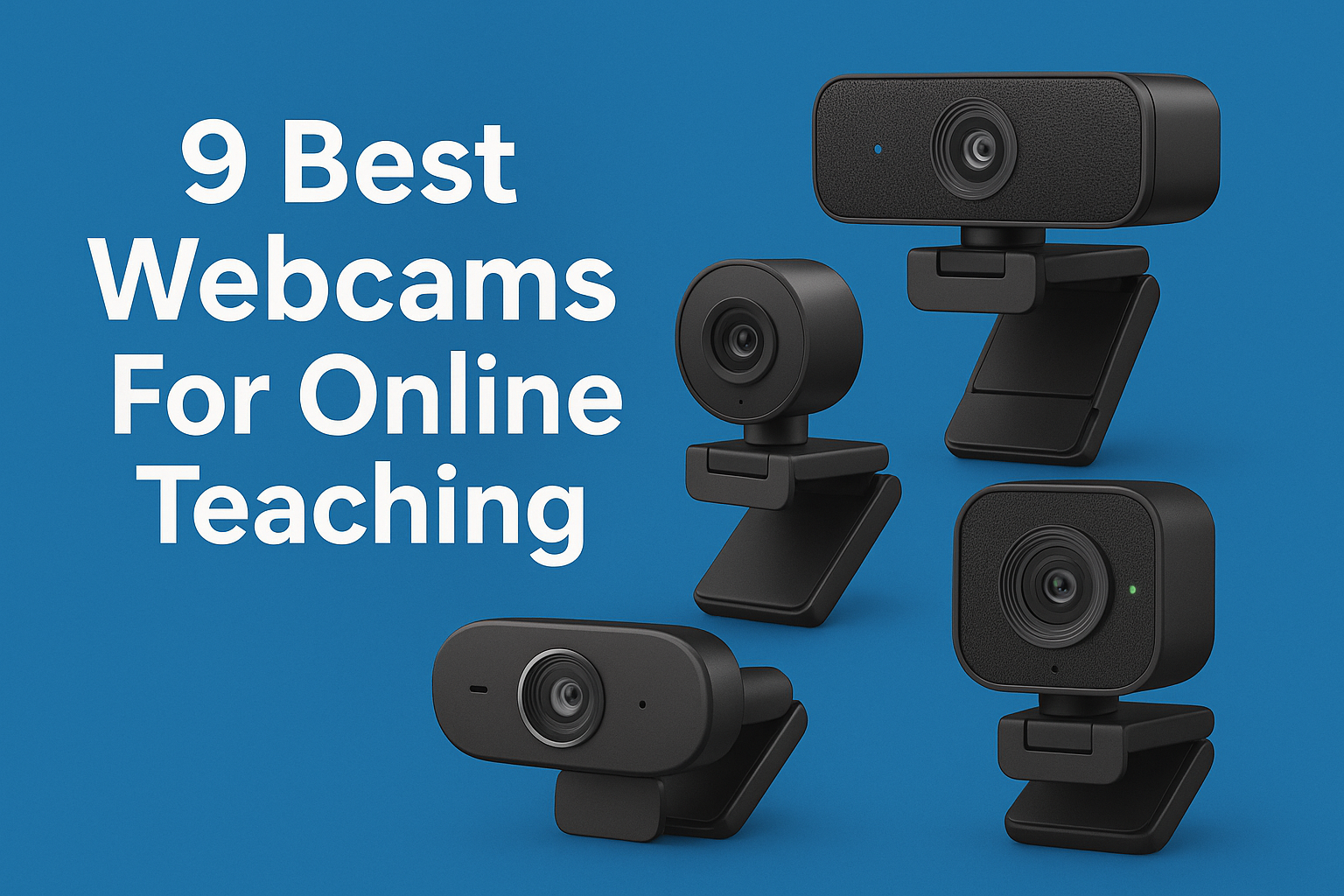

In a world where online teaching has become the norm, having the right tools is essential for success. One of the most critical tools for any online educator is a quality webcam. Whether you’re conducting live classes, recording lessons, or engaging in one-on-one sessions, investing in the best webcams for online teaching can dramatically enhance your teaching experience and improve student engagement. Here’s a comprehensive look at the nine best options currently available.
1. Logitech C920 HD Pro Webcam: The Classic Choice
The Logitech C920 HD Pro has long been a favorite among educators and content creators alike. With its 1080p video quality and dual stereo microphones, it offers clear audio and sharp images, making it perfect for online teaching. Its autofocus feature ensures that you remain in focus even when you move around.
One of the standout features of the C920 is its ease of use. It’s plug-and-play, meaning you can connect it to your computer without any additional software. Plus, its compatibility with most operating systems and video conferencing platforms makes it a versatile choice. With an affordable price point typically around $79.99, it strikes a remarkable balance between performance and cost.
2. Microsoft LifeCam HD-3000: Budget-Friendly Option
If you’re on a tighter budget but still want decent quality, the Microsoft LifeCam HD-3000 might be your go-to. This webcam offers 720p HD video, which is adequate for online teaching without breaking the bank. Its TrueColor technology automatically adjusts to lighting conditions, ensuring you’re seen clearly, whether in bright sunlight or dimly lit rooms.
The LifeCam is particularly user-friendly thanks to its flexible stand that can be adjusted to fit various monitors. Priced around $49.99, it’s an excellent option for those just starting with online education or for teachers who need a reliable secondary camera.
3. Razer Kiyo: Built-in Lighting for Dim Environments
The Razer Kiyo is a unique webcam designed specifically for streaming, but it also caters excellently to online teachers. What sets it apart is its built-in ring light that helps illuminate your face, ensuring you always look your best, regardless of the room’s lighting conditions. The adjustable light settings allow you to customize your setup.
It produces 720p video at 60 frames per second or 1080p at 30 frames per second, providing flexibility depending on your requirements. The Razer Kiyo is priced at around $99.99, and its features make it a worthy investment for educators who want to enhance their video presence.
4. Logitech Brio Ultra HD Webcam: Top-of-the-Line Quality
For those who demand the best quality, the Logitech Brio Ultra HD Webcam is hard to beat. Offering 4K ultra HD video and HDR capabilities, this camera brings a level of detail and color accuracy that can significantly enhance your online classroom experience. Its field of view can be adjusted to 65, 78, or 90 degrees, giving you the flexibility to frame yourself perfectly. (See: Technology in education and health.)
The Brio also includes features like background replacement, allowing you to create a professional-looking environment without needing an elaborate setup. With a price tag of around $199.99, it’s on the higher end, but for educators who prioritize quality, it’s worth every penny.
5. AUKEY PC-LM1E Webcam: Compact and Efficient
The AUKEY PC-LM1E is a compact webcam that fits easily on a laptop or desktop monitor. It offers 1080p video quality and has a built-in microphone to capture clear audio. Its simple clip design allows for easy setup, and it’s compatible with a variety of operating systems and video conferencing software.
One of the benefits of the AUKEY model is its affordability, typically priced around $39.99. This makes it an attractive choice for teachers who want reliable performance without spending a fortune. It’s especially beneficial for those who need a secondary camera for different angles during lessons.
6. Logitech StreamCam: Versatile for Content Creation
The Logitech StreamCam is designed with content creators in mind, but it’s also a fantastic webcam for educators. It features 1080p resolution at 60 frames per second, making for smooth video playback. The camera also offers versatility with a built-in adjustable camera mount, allowing you to position it in various orientations.
This webcam is particularly valuable for teachers who might also want to record tutorials or lessons for asynchronous learning. With features like automatic framing and smart focus, you can ensure that you’re always the center of attention. It retails for about $169.99, making it a solid investment for teachers looking to expand their digital teaching tools.
7. Creative Live! Cam Sync 1080p: Simple and Effective
The Creative Live! Cam Sync 1080p is another excellent budget option for educators. It delivers clear 1080p video quality and features a built-in microphone for audio capture. The webcam is designed to be easy to set up and use, making it a good choice for those new to online teaching.
One of the notable aspects of this webcam is its low-light performance, which allows you to maintain quality even in less-than-ideal lighting conditions. Priced around $49.99, it’s perfect for teachers looking for simplicity without sacrificing quality.
8. Elgato Facecam: Designed for Streamers
The Elgato Facecam is specifically designed for streaming and content creation, making it an excellent choice for educators who want to engage their audience. With its 1080p resolution and adjustable settings for exposure and white balance, the Facecam provides stunning video quality that adapts to different lighting scenarios.
One of its most impressive features is its built-in memory, which allows you to save your preferred camera settings. This is particularly helpful for teachers who want a consistent look across their lessons. Priced at around $199.99, it’s on the higher end but worth considering for those serious about their online teaching presence. (See: Online learning during the pandemic.)
9. Mevo Start: Live Streaming Made Easy
The Mevo Start is a unique option that doubles as a portable live streaming camera, making it perfect for teachers who want to bring their classes to a broader audience. It captures 1080p video and offers wireless streaming capabilities directly to platforms like Facebook and YouTube.
This webcam is especially useful for outdoor classes or settings outside the standard classroom environment. With a price of around $399.99, it’s more of an investment, but it opens up a world of possibilities for dynamic teaching experiences.
Choosing the Right Webcam for You
Selecting the best webcam for online teaching involves considering several factors, including video quality, audio clarity, budget, and additional features. Think about your teaching environment and the type of content you’ll be creating. For example, if you teach in varied lighting conditions, a webcam with built-in lighting like the Razer Kiyo might be ideal.
Budget is also a crucial factor. While higher-end webcams offer superior quality, there are plenty of budget-friendly options that still perform well. It might be worthwhile to prioritize features that suit your specific teaching style and needs.
Tips for Maximizing Your Webcam Experience
Once you’ve chosen the best webcam for online teaching, there are a few additional tips to ensure you’re using it to its full potential:
- Lighting is Key: Regardless of how good your webcam is, poor lighting can diminish the quality of your video. Natural light is beneficial, but if you’re teaching in dim conditions, consider investing in a softbox or ring light to illuminate your face.
- Camera Placement: Position your camera at eye level for the most flattering angle. If you’re using a laptop, this may mean stacking it on some books or using an external stand. A direct gaze fosters a connection with your students.
- Background Matters: Ensure your background is tidy and not distracting. A clean, uncluttered space or a professional-looking virtual background can enhance the overall look of your teaching setup.
- Test Before You Teach: Always do a test run before your teaching sessions. Check the video and audio quality, lighting, and framing to ensure everything looks perfect when it’s time to engage with your students.
FAQs about Webcams for Online Teaching
What is the best resolution for a webcam used in online teaching?
A webcam with at least 720p resolution is acceptable for basic needs, but 1080p is recommended for a clear, professional look. A higher resolution ensures your students can see you clearly, which is essential for effective communication.
Do I need a separate microphone if I have a webcam?
Many webcams come equipped with built-in microphones that provide decent audio quality. However, if you’re looking for superior sound, especially in larger classrooms or noisier environments, investing in a dedicated microphone can significantly improve your audio output.
Can I use my smartphone as a webcam for online teaching?
Yes! Many applications allow you to use your smartphone as a webcam. Just make sure you have a stable mount and good lighting to make the most of the smartphone camera’s quality. (See: Impact of technology on education.)
How often should I upgrade my webcam?
If your current webcam meets your needs and provides satisfactory quality, there may be no rush to upgrade. However, technology evolves rapidly, so consider upgrading every few years or when you notice a significant decline in performance.
What other accessories should I consider for online teaching?
Besides a webcam, consider a good quality microphone, headphones for clearer sound, and a stable tripod or mount to ensure your camera remains steady during lessons. A green screen can also be beneficial for creating a professional virtual background.
Additional Considerations When Choosing a Webcam
While we’ve covered some of the best webcams available, there are a few additional factors worth considering:
- Field of View (FOV): Depending on how much of your teaching environment you want to capture, consider the field of view offered by the webcam. A wider FOV is beneficial for group teaching or demonstrations.
- Compatibility: Ensure the webcam is compatible with your preferred software for teaching, whether that’s Zoom, Google Meet, or another platform. Some webcams come with compatibility issues that could lead to frustrating technical difficulties during your sessions.
- Durability: If you plan to move your setup frequently or travel for teaching gigs, durability should factor into your decision. Look for a webcam that can withstand some wear and tear.
Final Thoughts
The best webcams for online teaching can elevate your classes, making lessons more engaging and effective for your students. Each of the options listed above offers unique features tailored to different needs and preferences. From budget models to high-end cameras, the right webcam can greatly enhance your online teaching experience. Take the time to assess your requirements, and choose a webcam that will help you shine in your virtual classroom.
As online education continues to evolve, having the right webcam is just one component of a successful remote teaching strategy. Don’t forget to invest time in enhancing your overall setup, including your lighting, audio, and background, to create the most immersive learning environment possible for your students.
Trending Now
Frequently Asked Questions
What are the best webcams for online teaching?
The best webcams for online teaching include the Logitech C920 HD Pro, Microsoft LifeCam HD-3000, and Razer Kiyo. Each offers unique features like high-definition video quality, built-in lighting, and user-friendly designs, making them suitable for various teaching needs.
How much should I spend on a webcam for teaching?
You can find quality webcams for online teaching at various price points. Options like the Logitech C920 typically cost around $79.99, while budget-friendly choices like the Microsoft LifeCam HD-3000 are available for about $49.99, providing good value for educators.
What features should I look for in a webcam for online classes?
When choosing a webcam for online classes, look for features such as high-definition video quality (1080p or at least 720p), built-in microphones, autofocus capabilities, and compatibility with various operating systems and video conferencing platforms.
Is a webcam necessary for online teaching?
Yes, a quality webcam is essential for online teaching as it enhances communication and engagement with students. It allows for clear video and audio, which are crucial for effective teaching and interaction during live sessions.
Can I use a regular webcam for online teaching?
While regular webcams can be used for online teaching, investing in a dedicated webcam designed for this purpose will provide better video quality, sound clarity, and features tailored for educational settings, greatly improving the overall teaching experience.
What’s your take on this? Share your thoughts in the comments below — we read every one.