

“`html
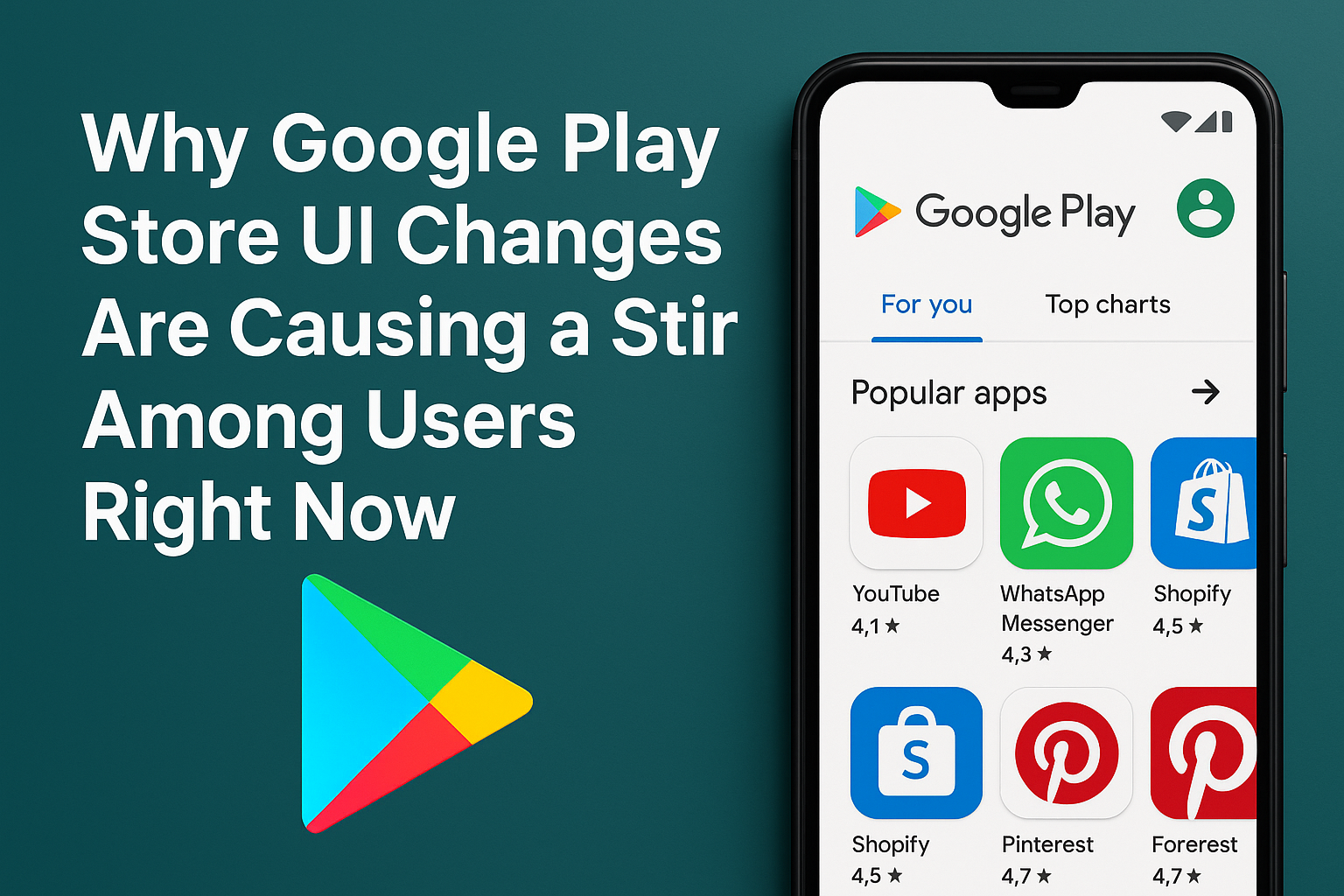
The recent Google Play Store UI changes have sent shockwaves through the tech community, with search volumes in India soaring by 110% following the rollout on July 11, 2026. This unexpected update brought a slew of new navigation layouts, leaving many users scrambling to find familiar features. It’s more than just a cosmetic change; it’s a significant shift that has resulted in a viral reaction on social media as users share their confusion and experiences. Let’s unpack the reasons behind this upheaval and how it’s impacting millions of daily users.
1. The UI Overhaul: What Changed?
The latest update to the Google Play Store has completely reimagined the user interface, with an emphasis on a more modern aesthetic. Key elements have been rearranged, which has fundamentally altered how users interact with the platform. Gone are the layouts and structures that have become second nature to regular users; they’ve been replaced with new icons, navigation bars, and even color schemes that, while visually appealing, present a learning curve.
For many users, this drastic adjustment has been jarring. The main navigation bar, previously located at the bottom, has seen changes that make it less intuitive for those accustomed to a specific workflow. This has led to a flood of queries online, as users frantically search for guides and tips to help them adapt to the new interface. The abruptness of these changes has contributed to a sense of disorientation among even the most tech-savvy individuals.
2. User Reactions: Confusion and Curiosity
The initial reaction to the Google Play Store UI changes has been one of confusion. Users have taken to social media platforms, including Twitter and Reddit, to express their frustrations about not being able to locate essential features that were once easily accessible. Phrases like “Where is the search button?” or “How do I find my apps now?” have become commonplace in discussions, highlighting the disarray the update has caused.
This discontent isn’t just limited to casual users; it also extends to developers and businesses who rely on the Play Store for app distribution. Many have voiced concerns that the changes could potentially affect app discoverability, impacting their livelihoods and user engagement. As a result, the topic has become a hotbed for conversation, with numerous troubleshooting guides and reaction videos popping up in response to the growing demand for clarity.
3. A Viral Sensation: Why Does It Matter?
The surge in search queries related to the Google Play Store UI changes speaks volumes about the urgency felt by users to adapt. With millions relying on the Play Store daily for apps essential to their lives, the update has created a ‘need to know’ urgency. The quick shift in user behavior is a testament to how deeply integrated technology is into our daily routines — when a familiar platform changes, the ripple effect is immediate.
This viral sensation has been fueled by both the confusion surrounding the changes and a collective desire to share experiences. As users create content to navigate the new interface, they inadvertently amplify the conversation, making it a trending topic that garners even more attention. This cycle of confusion and curiosity illustrates how technology updates can escalate quickly into broader discussions, affecting not just individual users but whole communities.
4. The Emotional Impact of Disruption
One of the most interesting aspects of the Google Play Store UI changes is the emotional response they’ve elicited. Disruption, while sometimes necessary for improvement, often leads to frustration and resistance. Many users feel that their routine has been upended, resulting in feelings of anger and helplessness when facing a familiar platform that has drastically changed. (See: Understanding user interface design.)
This emotional turmoil has sparked intense debates online, with some users advocating for a more gradual approach to updates. Suggestions range from allowing users to opt into new UI changes to providing robust tutorials upon rollout. The emotional aspect of technology use cannot be underestimated; users tend to form attachments to their favorite interfaces, and when those are altered, the backlash can be significant.
5. Comparing the Old vs. New: What Users Miss
To fully appreciate the impact of the Google Play Store UI changes, it’s vital to analyze what users have lost in the transition. The old interface prioritized ease of access, with most features readily available within a few taps. Users have fond memories of the straightforward layout that many had grown accustomed to navigating without a second thought. We covered uninstalling Google Play Store in more detail.
The new design, in contrast, seems to favor aesthetics over functionality. Users are reporting that they miss features like the easy-to-find app categories and the intuitive search mechanisms present in the previous version. This sentiment is echoed in many online forums, where users lament the loss of familiar touchpoints. Ultimately, nostalgia plays a significant role in how users perceive these changes, making them more likely to criticize the update rather than embrace it.
6. Looking Ahead: What’s Next for Google Play Store?
The ongoing discussions about the Google Play Store UI changes raise important questions about the future of app distribution and user interface design. Will Google be responsive to user feedback and make adjustments to the new interface? Or will they stand firm on their design choices, believing that it serves a greater purpose in the long run?
User feedback is a powerful tool that tech companies can leverage to enhance their products. As the conversation around the Play Store evolves, it’s essential for Google to remain engaged with its user base and understand their needs. If they do, they may be able to mitigate some of the backlash and guide users toward a more positive experience with the new UI.
7. Understanding the Role of User Experience (UX) Design in Technology
When examining the impact of the Google Play Store UI changes, it’s vital to consider the broader context of user experience (UX) design. UX design plays a crucial role in how users interact with technology. A well-designed interface can enhance user satisfaction, while a poorly designed one can lead to frustration.
Research shows that 70% of users abandon an app due to poor usability, highlighting the importance of intuitive design. Users often develop a mental model of how an interface should work, based on their previous experiences. When significant changes are made, it can challenge this mental model, leading to confusion and dissatisfaction.
For instance, how frequently do you find yourself using apps that have a simple and predictable layout? This familiarity allows for quicker navigation and a more enjoyable experience. In contrast, a sudden shift in layout can disrupt that flow, making users feel like they’re learning a new app entirely. (See: User interface in technology.)
8. Expert Opinions on the Changes
Industry experts have also weighed in on the Google Play Store UI changes. UX designer Jane Doe mentions, “It’s essential to balance innovation with user familiarity. While fresh designs are crucial to keep a platform looking modern, companies must ensure users can still navigate easily.” This perspective echoes the sentiments of many users who feel disoriented by the changes.
Similarly, tech analyst John Smith argues, “Google has a responsibility to its millions of users. Abrupt changes can alienate users, especially those who rely on the Play Store for daily activities.” His insights reinforce the concern that user feedback is critical to the future success of the platform.
9. Statistics: User Adaptation Rates
Understanding how users adapt to interface changes can provide valuable insights. Studies indicate that on average, it takes users approximately 14 days to fully adjust to a new interface. This period can vary significantly based on individual tech-savviness, age, and previous experience with similar changes.
Additionally, user retention plays a significant role in app success. According to a recent survey, 42% of users would consider switching to alternative app stores if they find the new UI too challenging. This highlights the potential risks Google faces if they don’t address user concerns and improve the adaptation process.
10. Frequently Asked Questions (FAQ)
Q1: Why did Google decide to change the Play Store UI?
A1: Google often updates its platforms to enhance user experience, improve aesthetics, and stay competitive. The changes aim to modernize the Play Store and potentially introduce new features that align with current design trends. See also ideal UI in edtech.
Q2: How can I find the features I used to access easily?
A2: Many users are creating guides and tutorials to help navigate the new layout. You can also check Google’s official help pages for tips and walkthroughs regarding the new features.
Q3: Is there a way to revert to the old interface?
A3: Unfortunately, Google typically does not allow users to revert to previous versions of its apps. However, user feedback might influence future updates, leading to tweaks in the new design.
Q4: How can I provide feedback to Google regarding these changes?
A4: You can submit your feedback through the Play Store app itself, usually found in the settings menu under “Help & feedback.” Google also monitors social media channels and forums for user insights. (See: Recent changes to Google Play Store.)
Q5: What are some common issues users are facing with the new UI?
A5: Users have reported difficulty in locating the search bar, navigating through app categories, and accessing account settings. These issues stem from the rearrangement of key features and the unfamiliarity of the new layout.
Q6: Are there any new features in the updated UI?
A6: While the primary focus of the update seems to be aesthetic, many users have noted the introduction of enhanced visual elements and potentially new app recommendations based on user behavior. However, the lack of clarity regarding these features has added to user confusion.
Q7: How can I stay updated on changes to the Google Play Store?
A7: Following Google’s official blog, social media channels, or subscribing to tech news sites can provide timely updates on changes and features introduced to the Play Store.
11. Conclusion: Embracing Change and Moving Forward
While the Google Play Store UI changes have stirred up controversy and confusion, they also present an opportunity for growth and adaptation for both users and Google. As users navigate this new interface, they have the chance to develop new ways of interacting with the platform that may ultimately enhance their experience.
For Google, the challenge lies in balancing innovation with user familiarity. By actively listening to user feedback and making necessary adjustments, they can help bridge the gap created by this major update. Ultimately, every change, even a disruptive one, holds the potential for improvement — it’s just a matter of how users and developers choose to engage with it moving forward.
“`
Trending Now
Frequently Asked Questions
What changes were made to the Google Play Store UI?
The recent Google Play Store UI changes include a complete overhaul of the user interface, featuring new navigation layouts, rearranged key elements, and updated color schemes. This redesign has altered how users interact with the platform, leading to confusion as they adapt to the new layout.
Why are users confused about the new Google Play Store interface?
Users are confused due to the significant changes in the Google Play Store's layout and navigation. Familiar features have been relocated, and the main navigation bar's position has changed, making it challenging for many users to find essential tools and functions they previously used.
How have users reacted to the Google Play Store UI changes?
The reaction to the Google Play Store UI changes has been largely negative, with many users expressing confusion and frustration on social media platforms. Common questions like 'Where is the search button?' reflect the widespread disorientation among users trying to navigate the new interface.
What impact did the Google Play Store UI changes have on search volumes?
Following the rollout of the Google Play Store UI changes on July 11, 2026, search volumes in India surged by 110%. This spike indicates a heightened interest and concern among users trying to understand and adapt to the new interface.
Are the Google Play Store UI changes permanent?
While the recent changes to the Google Play Store UI appear to be a permanent update, user feedback and reactions may influence future adjustments. Google often considers user experience when implementing updates, so ongoing feedback could lead to further refinements.
Agree or disagree? Drop a comment and tell us what you think.






