
Introduction:
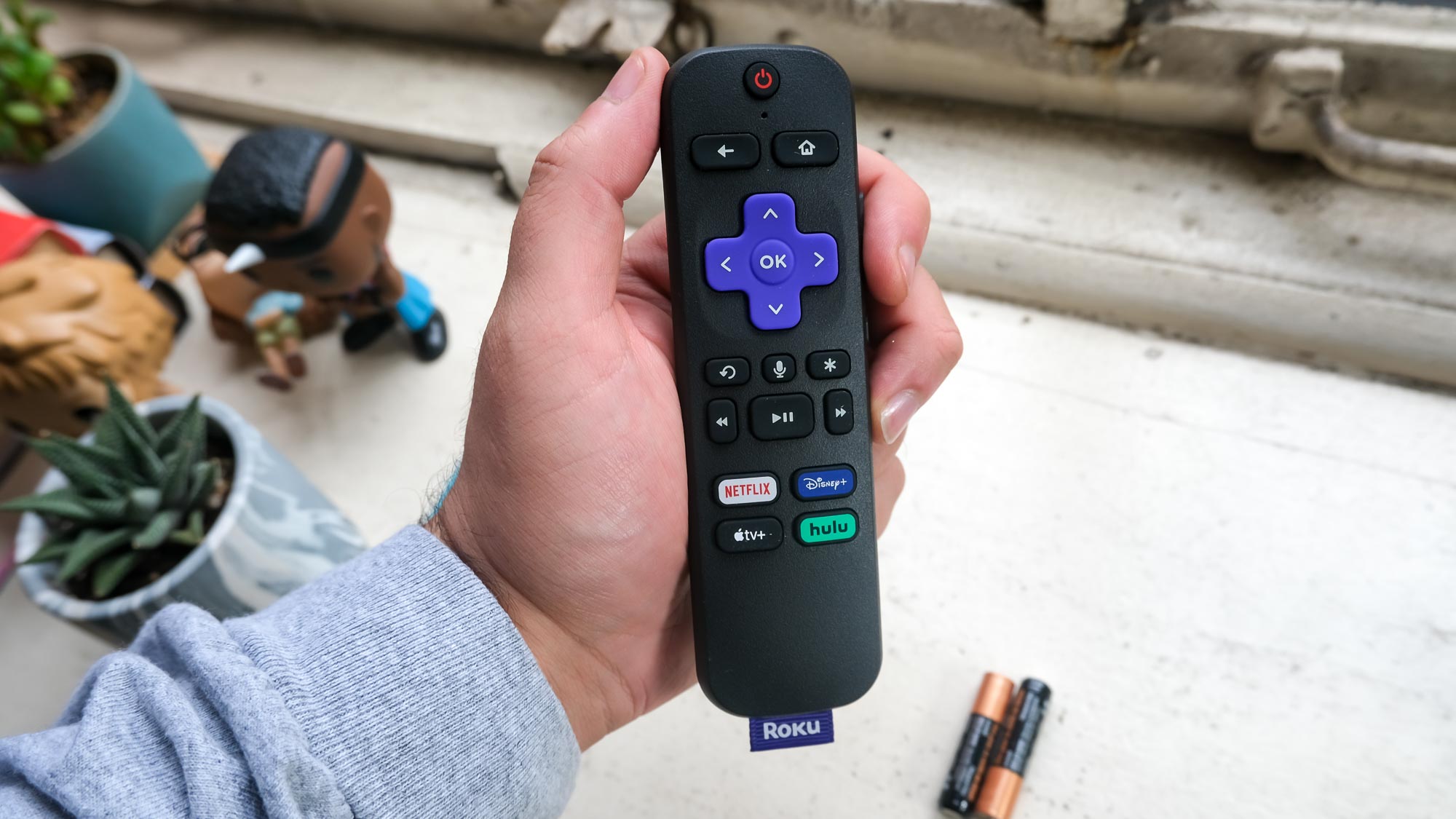
The Roku remote app is a convenient solution that allows users to control their Roku streaming devices from their smartphones. However, issues may arise causing the app not to connect to the device. In this article, we will be discussing steps you can take to fix the problem when your Roku remote app won’t connect.
1. Check your Wi-Fi connection:
Ensure that both your smartphone and Roku device are connected to the same Wi-Fi network. This is crucial for the remote app to function properly. If they are not on the same network, connect them accordingly and try again.
2. Update your Roku device and app:
Make sure both your Roku device and remote app are updated to their latest versions. Outdated software might lead to compatibility issues and cause the app not to work as intended.
To update your Roku device, go to ‘Settings’ > ‘System’ > ‘System update’ > ‘Check now.’
For the Roku app, check for updates in the Apple App Store or Google Play Store depending on your smartphone’s platform.
3. Restart your devices:
Turn off your smartphone and Roku device completely, then restart them after a few seconds. This simple reboot can often fix many underlying issues.
4. Reset your router:
If you’re still having issues after restarting both devices, consider rebooting your Wi-Fi router as well. Unplug it from the power source, wait 30 seconds, and then reconnect it. Once the Wi-Fi signal is stable, try connecting with the remote app again.
5. Reinstall the Roku remote app:
A corrupted application file might be at fault here; try uninstalling and then reinstalling the app on your smartphone.
6. Check if there are any network obstructions:
Physical objects like walls or large electrical appliances might interfere with Wi-Fi signals or create dead zones in certain areas of your home. Try to move closer to your router or rearrange your devices to avoid these obstructions.
7. Use an alternative remote app:
If none of the above solutions work and you still can’t connect, try using a third-party remote app like RoByte or Remote for Roku as they may have different compatibility settings.
Conclusion:
If your Roku remote app won’t connect to your device, follow these steps to troubleshoot and fix the issue. Ensuring strong Wi-Fi connection, keeping your devices updated, and exploring alternative options will help you regain control of your streaming experience.