
Introduction:
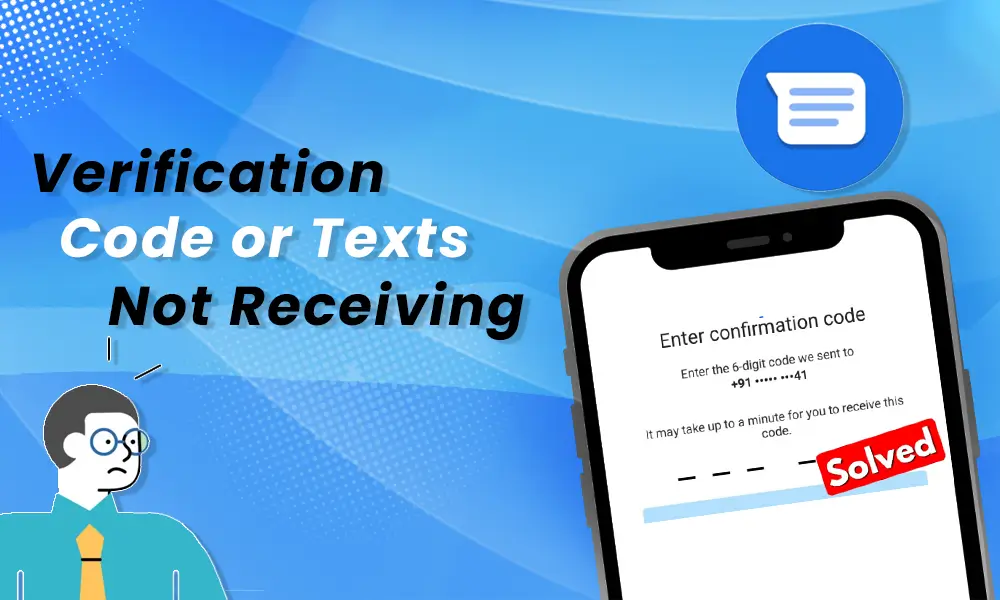
There are times when you may not receive verification code texts on your Android device, even if you’re sure you’ve entered the correct mobile number. This can be frustrating, especially when you need to access your accounts or verify your identity. Don’t worry – there are several ways to fix this problem. In this article, we’ll explore various methods to help ensure that you receive those crucial messages.
1. Check for Signal Issues:
Sometimes, a weak signal or temporary network problem can cause delays in receiving texts. Make sure that your device has a stable connection to your network provider. If you’re in an area with low signal coverage, try moving to a location with better reception and request the code again.
2. Restart Your Phone:
It might sound simple, but a quick restart might resolve any glitches affecting your Android device’s messaging system. Simply turn off your phone, wait for a few seconds, and then power it back on. After that, request the verification code again.
3. Update Your Messaging App:
An outdated messaging app might cause problems when receiving verification code texts. Go to the Google Play Store and check for updates to both your device’s built-in messaging app and any third-party apps that you use for texting.
4. Clear Your Messaging App Cache:
Cache files could be causing issues with receiving text messages. To clear them out of your messaging app, go to Settings > Apps > Messaging App > Storage > Clear Cache. Then request the verification code again.
5. Disable Third-Party Messaging Apps:
Some third-party messaging apps can block verification codes or short-code messages from reaching your inbox. Disable or uninstall these applications temporarily, and try requesting the code again using your device’s native messaging app.
6. Contact Your Network Provider:
If all else fails and you still haven’t received the code after trying these solutions, contact your network provider. They may be able to assist you in resolving the issue or provide information about any known short-code messaging outages.
Conclusion:
Not receiving verification code texts on your Android device can be frustrating, but there are several methods to troubleshoot and resolve this problem. By following the steps outlined above, you should be able to receive those crucial text messages and complete your verification process in no time. Remember, if none of these solutions work, contacting your network provider can also help you find a solution.