
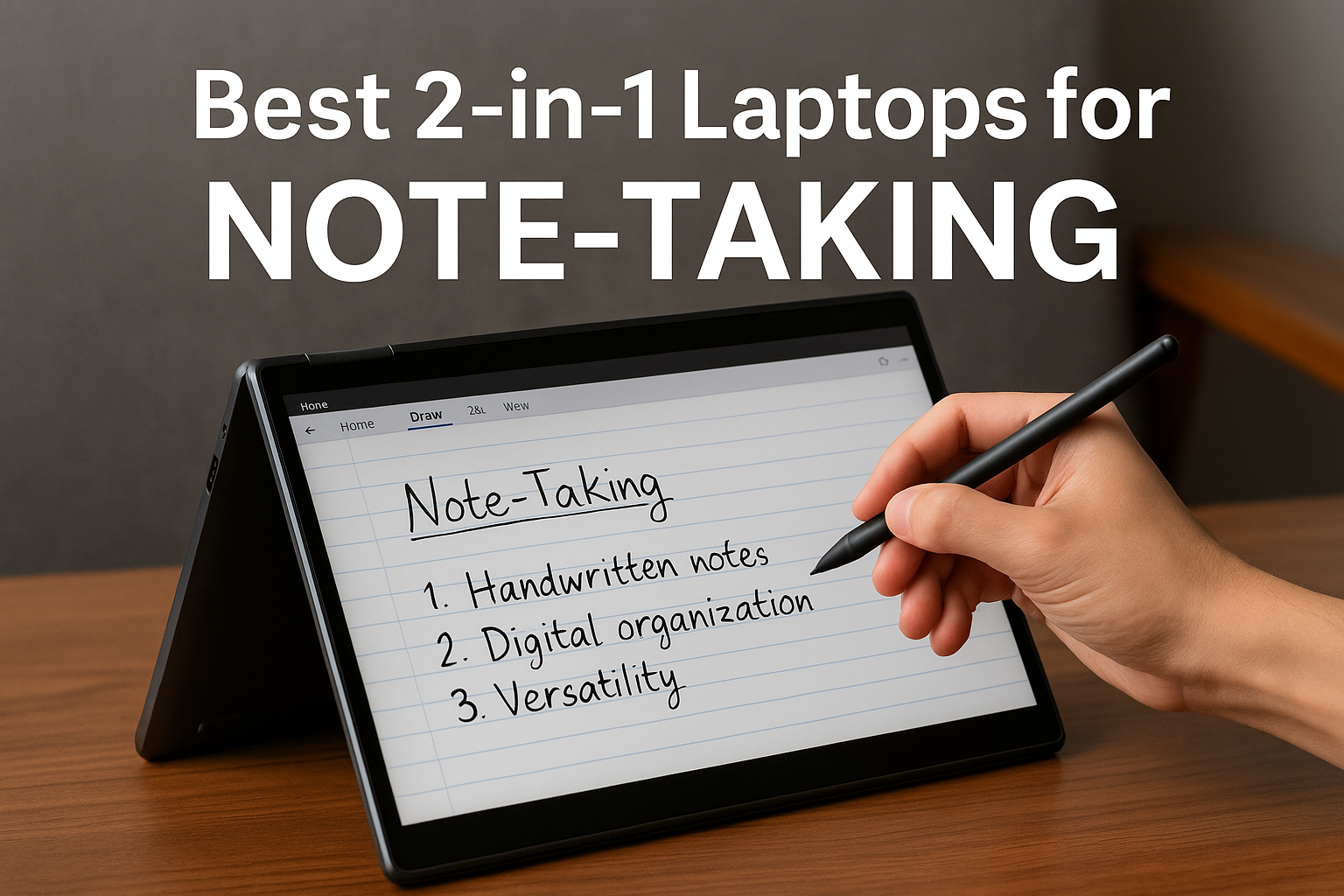

In today’s fast-paced educational and professional environments, the need for effective note-taking tools has never been higher. Enter 2-in-1 laptops, a perfect blend of functionality and portability for anyone looking to jot down notes, brainstorm ideas, or create presentations with ease. If you’re on the hunt for the best 2-in-1 laptops for note taking, this guide will walk you through the top contenders, showcasing their unique features, advantages, and why they stand out in a crowded market.
1. Microsoft Surface Pro 9: Versatility Meets Power
The Microsoft Surface Pro 9 stands tall as one of the premier choices for those seeking the best 2-in-1 laptops for note taking. It features a powerful Intel Core i5 or i7 processor, ensuring that you can multitask without breaking a sweat. The device offers a high-resolution PixelSense display that is perfect for reading and writing, making it easier to take clear notes and annotate documents.
One of the standout features of the Surface Pro 9 is its Surface Slim Pen 2 compatibility. This pen delivers a natural writing experience with haptic feedback, mimicking the feel of writing on paper. Plus, it magnetically attaches to the device, so you don’t have to worry about misplacing it. With a lightweight design, this 2-in-1 laptop is portable enough to carry around campus or to meetings, making it a favorite among students and professionals alike.
2. HP Spectre x360 14: Elegance and Functionality
The HP Spectre x360 14 is another excellent option to consider. Its gorgeous design, which includes an aluminum chassis and a stunning OLED display, is not just aesthetically pleasing but also functional. The OLED panel enhances clarity and color, making it easier to view notes and presentations in various lighting conditions. The 3:2 aspect ratio is ideal for document viewing and provides extra vertical screen space, allowing for more efficient note-taking.
What sets the Spectre x360 apart is its 360-degree hinge, allowing you to use it in multiple modes: laptop, tent, stand, or tablet. This flexibility is particularly useful during lectures or meetings where a quick switch from typing to drawing is necessary. Additionally, HP’s active pen supports pressure sensitivity, making it a great tool for sketching diagrams or annotating notes, thereby enhancing your overall productivity.
3. Lenovo Yoga 9i: All-in-One Performance
Lenovo’s Yoga 9i is an impressive contender in the 2-in-1 laptop space, especially for note-taking purposes. It packs a powerful Intel Core i7 processor and up to 16GB of RAM, ensuring seamless performance even during resource-intensive tasks. The vibrant 14-inch display offers sharp visuals, making it easier to sift through notes and educational material.
What makes the Yoga 9i truly stand out is its integrated rotating soundbar, which enhances audio quality when watching lectures or videos. The device’s exceptional battery life ensures you’ll make it through an entire day of classes or work without needing to recharge. Plus, with Lenovo’s Precision Pen 2, you can write or sketch with great accuracy, making note-taking a breeze.
4. Dell XPS 13 2-in-1: Compact and Powerful
If you’re looking for a compact device that doesn’t compromise on performance, the Dell XPS 13 2-in-1 is an ideal choice. With its sleek design and lightweight build, this laptop is perfect for note-taking on the go. The XPS 13 is powered by Intel’s latest processors, offering impressive performance and battery life. You can expect all-day usage, which is a significant advantage for busy students or professionals. (See: 2-in-1 laptop overview.)
The InfinityEdge display maximizes screen space, allowing for immersive engagement with your notes and documents. Additionally, the XPS 13 supports Dell’s Active Pen, which provides a natural writing experience. Whether you’re taking notes, sketching, or collaborating on a project, the integration of a stylus enhances the overall usability of this device.
5. Acer Spin 5: Budget-Friendly with Premium Features
The Acer Spin 5 is a fantastic option if you’re looking for the best 2-in-1 laptops for note taking without breaking the bank. While it’s more budget-friendly, it doesn’t skimp on features. The Spin 5 comes equipped with a responsive touchscreen and a comfortable keyboard, making it easy to transition between typing and writing. The device is powered by 11th Gen Intel processors, ensuring solid performance.
One of the notable features is its long battery life, which can last up to 15 hours on a single charge. This makes it an excellent choice for students who spend long hours on campus. The included Acer Active Stylus enhances the note-taking experience, offering precision and sensitivity. The Spin 5 is an excellent blend of affordability and capability, catering to students and professionals alike.
6. Asus Chromebook Flip C436: Chrome OS Convenience
For those who prefer a lightweight, cloud-based solution, the Asus Chromebook Flip C436 is a noteworthy option. This 2-in-1 laptop runs on Chrome OS, providing access to a plethora of apps via the Google Play Store. Its 14-inch Full HD touchscreen makes it visually appealing, and the 360-degree hinge allows you to use it in various modes, perfect for note-taking during classes.
With a responsive keyboard and support for the Asus Pen, you’ll find writing and annotating documents comfortable and efficient. The Chromebook Flip C436 is also known for its impressive battery life, lasting up to 12 hours, making it an ideal companion for a day of classes or meetings. If you’re someone who thrives in a cloud environment and seeks a device for digital note-taking, this could be the perfect choice. This builds on effective note-taking strategies.
7. Samsung Galaxy Book Pro 360: Premium Build Meets Portability
Last but certainly not least, the Samsung Galaxy Book Pro 360 offers a premium experience for note-takers. It features a Super AMOLED display, delivering vibrant colors and deep blacks, which is perfect for viewing documents and presentations. The device is also powered by the latest Intel processors, ensuring a smooth operation, whether you’re typing, drawing, or streaming.
The Galaxy Book Pro 360 includes the S Pen, which is recognized for its fine accuracy and pressure sensitivity, ideal for detailed sketches or handwritten notes. With a battery life that can extend over 20 hours, this laptop is an exceptional choice for anyone needing a reliable device for long sessions away from home. Its sleek design and lightweight nature make it incredibly portable, making it easy to take your note-taking anywhere.
8. Choosing the Right 2-in-1 Laptop for Note Taking
When you’re looking for the best 2-in-1 laptops for note taking, there are several factors to consider. First, think about the screen size and resolution. A larger, high-resolution display can significantly improve your note-taking experience, as it allows for clearer text and easier reading. A touchscreen is essential for those who prefer writing directly on the screen, while a high-quality stylus can enhance the experience even further.
Next, consider the performance specs. Look for laptops with a minimum of 8GB of RAM, as this will allow you to run multiple applications smoothly. The processor is equally important; Intel Core i5 or i7 processors are recommended for optimal performance. Battery life is also crucial for students or professionals who are often on the go. Aim for a device that offers at least 8 to 10 hours of battery life to ensure you can get through a full day without needing to recharge.
Finally, think about your budget. There are excellent options available across various price ranges. Remember that investing in a reliable note-taking device can pay off in terms of productivity and efficiency in the long run. (See: impact of technology on education.)
9. Expert Perspectives on Note-Taking Technology
Experts in education technology often emphasize the importance of having the right tools for effective learning and productivity. Dr. Emily J. Davis, an education technology consultant, notes, “The ability to write notes by hand can enhance memory retention and comprehension. When choosing devices for note taking, look for features that support that tactile experience.”
Additionally, Dr. Michael T. Carter, a professor of computer science, adds, “Stylus technology has come a long way. It’s like writing on paper, and the ability to annotate and organize notes digitally can transform how students learn and retain information.” Such insights highlight why choosing a device that offers a natural writing experience is crucial for students and professionals alike.
10. Comparing Note-Taking Features
When assessing the best 2-in-1 laptops for note taking, it’s essential to compare specific features that can enhance your note-taking experience. For example, the display type and stylus support can significantly impact usability. OLED screens, like those on the HP Spectre x360, provide stunning visuals but may be pricier. Meanwhile, IPS displays, such as those found in the Dell XPS 13, offer excellent color accuracy and viewing angles, which can be beneficial for long periods of note reviewing.
Battery life is another pivotal comparison point. The Samsung Galaxy Book Pro 360 stands out with over 20 hours of battery life, ideal for all-day usage. In contrast, while the Acer Spin 5 is budget-friendly, its battery life of up to 15 hours still supports an entire academic day, making it a worthy competitor.
Finally, consider the weight and portability of these models. Students may prefer lighter devices that are easy to carry, like the Asus Chromebook Flip C436, weighing around 3 pounds. This makes it more comfortable during long commutes or while moving between classes.
11. FAQ: The Best 2-in-1 Laptops for Note Taking
What is a 2-in-1 laptop?
A 2-in-1 laptop is a device that can function both as a traditional laptop and as a tablet. This versatility allows users to switch between keyboard typing and touch-based input, making it ideal for tasks like note taking.
Why is a touchscreen important for note taking?
A touchscreen allows users to write directly on the screen, which can mimic the experience of writing on paper. This can improve engagement and retention of information, especially for visual learners. (See: best laptops for students.)
How does battery life impact my note-taking experience?
Good battery life is essential for students and professionals who may be away from power outlets for extended periods. A laptop with long battery life ensures you can take notes throughout the day without worrying about recharging. For more on this, see top note-taking apps.
Do I need a stylus for note taking?
While not strictly necessary, a stylus can greatly enhance the note-taking experience, providing precision that fingers cannot. Many 2-in-1 laptops are optimized for use with styluses, offering features like pressure sensitivity and palm rejection.
Can I use a 2-in-1 laptop for more than just note taking?
Absolutely! 2-in-1 laptops are versatile devices that can handle a variety of tasks, including web browsing, content creation, multimedia consumption, and much more, making them suitable for both personal and professional use.
Are the best 2-in-1 laptops for note taking suitable for graphics and design work?
Many of the best 2-in-1 laptops, especially those with powerful processors and high-resolution displays, are well-suited for graphics and design work. For example, the HP Spectre x360 and Lenovo Yoga 9i, with their excellent display quality and stylus support, are great for digital artists and designers.
How do I maintain my 2-in-1 laptop for optimal performance?
Regular maintenance can keep your 2-in-1 laptop running smoothly. This includes keeping your software updated, using antivirus protection, and performing regular backups of your notes and documents. Additionally, cleaning the screen and keyboard can enhance your user experience and longevity of the device.
In conclusion, the best 2-in-1 laptops for note taking combine portability, performance, and versatility. From the Microsoft Surface Pro 9 to the Samsung Galaxy Book Pro 360, there are a variety of options to suit different budgets and preferences. Consider factors like display quality, battery life, and compatibility with styluses when selecting the perfect device for your note-taking needs. With the right 2-in-1 laptop by your side, you’ll be better equipped to capture your thoughts and ideas efficiently and effectively.
Trending Now
Frequently Asked Questions
What are the benefits of using a 2-in-1 laptop for note-taking?
2-in-1 laptops offer versatility and portability, making them ideal for note-taking. They combine the functionality of a laptop with the convenience of a tablet, allowing users to jot down notes, annotate documents, and create presentations easily, especially with features like touchscreens and stylus compatibility.
Which 2-in-1 laptop is best for students?
The Microsoft Surface Pro 9 is highly recommended for students due to its powerful performance, lightweight design, and compatibility with the Surface Slim Pen 2, which enhances the note-taking experience with haptic feedback and easy portability for campus life.
How does the HP Spectre x360 14 enhance the note-taking experience?
The HP Spectre x360 14 features a stunning OLED display that improves clarity and color, making it easier to view notes. Its 3:2 aspect ratio provides extra vertical screen space, perfect for efficient note-taking, while the 360-degree hinge allows for versatile usage modes.
What should I look for in a 2-in-1 laptop for note-taking?
When choosing a 2-in-1 laptop for note-taking, consider factors like processor performance, display quality, stylus compatibility, and portability. A high-resolution screen and a responsive stylus can significantly enhance the writing experience and overall usability.
Are 2-in-1 laptops suitable for professional use?
Yes, 2-in-1 laptops like the Microsoft Surface Pro 9 and HP Spectre x360 14 are well-suited for professional use. They combine powerful hardware with versatile functionality, making them ideal for multitasking, presentations, and effective note-taking in various work environments.
Agree or disagree? Drop a comment and tell us what you think.






