
“`html
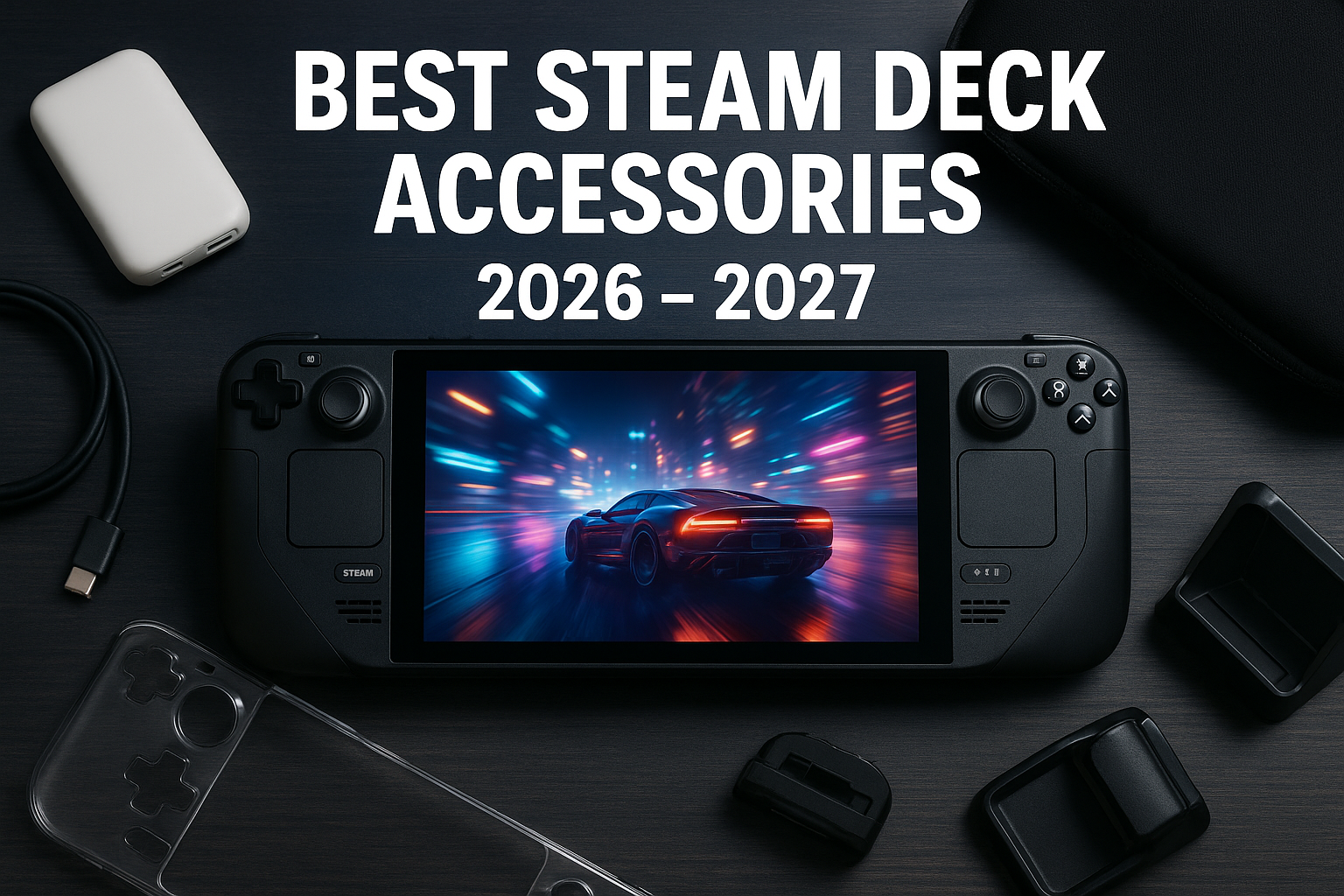
The Steam Deck has taken the gaming world by storm, offering a handheld experience that rivals traditional consoles and gaming PCs. As we approach 2026-2027, the demand for the best Steam Deck accessories is on the rise, enhancing gameplay and providing players with the tools they need to get the most out of this powerful device. Whether you’re looking to improve your gaming performance, enhance your comfort, or simply want to show off your style, there’s an accessory for you. Let’s explore the top ten accessories that you shouldn’t miss.
1. Steam Deck Dock: Elevating Your Gaming Experience
If you want to enjoy your Steam Deck on a larger screen, a quality dock is essential. The official Steam Dock allows you to connect your device to an HDMI-enabled monitor or TV, providing 4K output at 60Hz. Moreover, it features multiple USB ports for connecting peripherals like keyboards, mice, or external storage devices. This means you can easily transition from handheld gaming to a full desktop setup, making it a must-have accessory for any serious gamer.
Furthermore, third-party docks are also gaining popularity. Brands like JSAUX and Anker offer versatile and affordable alternatives with additional features like USB-C power delivery, allowing you to charge while playing. Be cautious, though; ensure compatibility with the Steam Deck to avoid damaging your device.
2. Screen Protector: Safeguarding Your Display
The Steam Deck’s 7-inch touchscreen is one of its standout features, but it’s also vulnerable to scratches and smudges. A high-quality screen protector is essential for preserving the display’s clarity and touch sensitivity. Options range from tempered glass protectors to flexible film varieties, each providing different levels of protection.
Tempered glass protectors offer superior scratch resistance and can absorb shocks from drops, while film-based options are thinner and maintain a sleek profile. Brands like Spigen and amFilm have gained positive reviews for their durability and clarity. Investing in a screen protector can significantly prolong the life of your Steam Deck.
3. Carrying Case: Portability Meets Protection
When you’re on the go, a reliable carrying case becomes indispensable. It not only protects your Steam Deck from potential damage but also offers compartments for additional accessories like chargers and cables. Look for cases that provide a snug fit and adequate padding to guard against impacts.
Popular choices include the Hori Compact Carrying Case and the official Steam Deck case, which features a soft interior and secure zipper closure. These cases are designed specifically for the Steam Deck, ensuring that your device is shielded from dust and scratches.
4. External SSD: Expanding Storage Options
The Steam Deck comes with varying internal storage options, but as we know, many games today demand considerable disk space. An external SSD is a fantastic way to expand your gaming library without the need to constantly uninstall and reinstall titles. Look for SSDs that support USB-C for optimal performance.
Brands like Samsung and SanDisk offer reliable external SSDs that boast fast read and write speeds. This can enhance loading times and overall performance, especially when playing resource-heavy games. For a portable gaming solution, consider an SSD with a rugged design that can handle the rigors of travel. (See: Steam Deck Wikipedia page.) See also Valve vs Jsaux docking stations.
5. Game Controller: For Those Who Prefer a Classic Feel
While the Steam Deck’s built-in controls are impressive, some gamers prefer the feel of a traditional controller. A Bluetooth-enabled game controller can provide a more familiar experience, especially for competitive gaming. The Xbox Wireless Controller and the PlayStation DualSense Controller are both excellent options that seamlessly connect to the Steam Deck.
Using a game controller can enhance your experience with certain titles, allowing for more precise movements and controls. Plus, having the option to switch between controllers makes your gaming setup more versatile.
6. Cooling Stand: Keeping Your Device Cool
Intensive gaming sessions can lead to overheating, which may impact performance or even damage your device. A cooling stand can help maintain optimal temperatures while you play. These stands often come with built-in fans that promote airflow around the device, preventing it from getting too hot.
Brands like Upgrow and JSAUX provide sturdy cooling stands with adjustable angles for comfortable gameplay. Investing in a cooling stand can be especially beneficial during longer gaming marathons or in warmer environments, ensuring that your Steam Deck performs at its best.
7. Audio Accessories: Enhancing Gaming Sound
For an immersive gaming experience, high-quality audio accessories are a must. Whether you prefer gaming headphones, earbuds, or an external sound system, enhancing your audio experience can make a tremendous difference in gameplay. Look for options that provide clear sound and good bass, and consider wireless models for added convenience.
Brands like SteelSeries and HyperX have developed excellent gaming headsets that not only deliver superior audio but also feature a comfortable design for extended use. Many of these headsets also come with a built-in microphone, making them ideal for multiplayer gaming.
8. Portable Battery Pack: Power On the Go
Battery life can be a concern when gaming on the go, especially with graphically demanding titles. A portable battery pack can extend your gaming sessions significantly. Look for battery packs that support Power Delivery (PD) and have a USB-C output that can deliver sufficient power to keep your Steam Deck running.
Brands like Anker and RAVPower offer compact yet powerful battery packs that can recharge your device multiple times. This allows you to play for hours without being tethered to an outlet, making it a perfect companion for long trips or gaming sessions away from home.
9. Custom Skins and Decals: Personalize Your Device
To truly make your Steam Deck your own, consider customizing it with skins or decals. These not only add a personal touch but can also provide an extra layer of protection against scratches. Many companies offer a variety of designs, from sleek minimalist options to vibrant graphics that reflect your gaming personality.
Brands like dbrand and Skinomi provide high-quality vinyl skins that are easy to apply and remove without leaving residue. Customizing your Steam Deck can be a fun way to express yourself while also protecting your investment. (See: CDC ergonomics resources.)
10. Steam Deck Performance Tuners: Optimize Your Gameplay
For those who want to push their Steam Deck to the limit, performance tuners and software can enhance graphics and frame rates. Tools like Steam’s built-in performance overlay allow you to monitor usage and adjust settings for optimal performance. Additionally, software like MSI Afterburner can help tweak GPU settings to improve performance in demanding games.
Combining hardware accessories with software optimizations can create a tailored gaming experience, allowing you to squeeze every ounce of performance from your Steam Deck. Staying informed about software updates and community recommendations can keep your gaming experience fresh and exciting.
11. Steam Deck Battery Extenders: Enjoy Longer Play Sessions
As great as the Steam Deck is, sometimes its battery life can fall short during long gaming sessions. Battery extenders are becoming increasingly popular, providing a solution to this dilemma. These external battery packs can effectively double your playtime, allowing you to dive deep into your games without the constant worry of recharging.
When choosing a battery extender, look for ones specifically designed for the Steam Deck. They should provide USB-C output and ideally support pass-through charging to ensure your device remains charged while gaming. Brands like Anker are developing devices that cater specifically to the needs of handheld gaming devices, making them a noteworthy consideration. (Comparing docking stations)
12. Keyboard and Mouse: For PC-like Precision
If you want to use your Steam Deck more like a traditional PC, then a keyboard and mouse setup can provide you with enhanced precision and control, especially for games that require quick reflexes or complex commands. Many gamers appreciate the flexibility that a keyboard and mouse offer, particularly in genres like first-person shooters or real-time strategy games.
Fortunately, several options are available that connect seamlessly with the Steam Deck via Bluetooth or USB. Brands like Logitech and Razer produce high-quality peripherals that are responsive and comfortable to use, providing a significant edge during gameplay. This builds on Connecting peripherals to Steam Deck.
13. FAQ: Your Questions on Steam Deck Accessories
What are the best accessories for the Steam Deck?
The best accessories typically include a dock, screen protector, carrying case, external SSD, and cooling stand. These enhance performance, protect your device, and improve portability.
Can I use any USB-C dock with my Steam Deck?
While many USB-C docks are compatible, it’s crucial to ensure they support video output and power delivery to avoid damaging your Steam Deck.
Do I need a cooling stand for my Steam Deck?
A cooling stand is not mandatory, but it’s beneficial for those who often play graphically intense games for extended periods, as it helps prevent overheating. (See: New York Times Steam Deck review.)
Are there any recommended brands for Steam Deck accessories?
Yes, popular brands include JSAUX, Anker, Spigen, and HyperX. These brands are known for their quality and compatibility with the Steam Deck.
Can I customize my Steam Deck without voiding the warranty?
Using skins and decals that are specifically designed for the Steam Deck generally won’t void the warranty. However, modifying hardware may risk warranty issues, so check the terms before making changes.
What is the average lifespan of a Steam Deck battery?
The Steam Deck’s battery is designed to last between 2 to 8 hours depending on usage, but factors like screen brightness and game graphics settings can affect this. Utilizing accessories like battery extenders can help maximize your gameplay time.
How do I care for my Steam Deck accessories?
It’s essential to regularly clean your accessories. For screen protectors and cases, use microfiber cloths to avoid scratches. Keep your external SSD in a protective case and ensure your cooling stand is free from dust to maintain optimal performance.
Are there any accessories that improve game performance directly?
Accessories like performance tuners and external SSDs can enhance game performance. Tuners optimize settings for smoother gameplay, while SSDs decrease load times and improve overall responsiveness when playing large titles.
As the Steam Deck continues to evolve and the gaming landscape shifts, the demand for the best Steam Deck accessories will only grow. By investing in these essential tools, you can enhance your gaming experience, bring convenience to your gaming sessions, and keep your device in top condition. With the right accessories, your Steam Deck can become a powerful gaming machine that meets all your needs.
“`
Trending Now
Frequently Asked Questions
What are the best accessories for the Steam Deck in 2026?
In 2026, top Steam Deck accessories include the official Steam Deck Dock for enhanced gaming on larger screens, high-quality screen protectors for display protection, and versatile carrying cases for portability. Other recommended accessories are external storage solutions and gaming grips to improve comfort during extended play sessions.
Why do I need a dock for my Steam Deck?
A dock is essential for connecting your Steam Deck to larger screens, allowing for 4K output at 60Hz. It also features multiple USB ports for peripherals, enabling a seamless transition from handheld to desktop gaming. Third-party docks offer additional features like USB-C power delivery for charging while you play.
How do I protect my Steam Deck's screen?
To protect your Steam Deck's screen, invest in a high-quality screen protector. Options include tempered glass, which offers superior scratch resistance and shock absorption, or flexible film protectors that maintain a sleek profile. Both options help preserve the display's clarity and touch sensitivity.
What should I look for in a Steam Deck carrying case?
When selecting a carrying case for your Steam Deck, look for one that offers ample padding for protection, compartments for accessories, and durability against wear and tear. A case with a comfortable handle or shoulder strap can enhance portability, making it easier to transport your device safely.
Are third-party Steam Deck accessories reliable?
Many third-party Steam Deck accessories, like those from brands such as JSAUX and Anker, are reliable and offer great value. However, it's crucial to ensure compatibility with the Steam Deck to avoid potential damage. Research reviews and product specifications before making a purchase.
What did we miss? Let us know in the comments and join the conversation.