

“`html
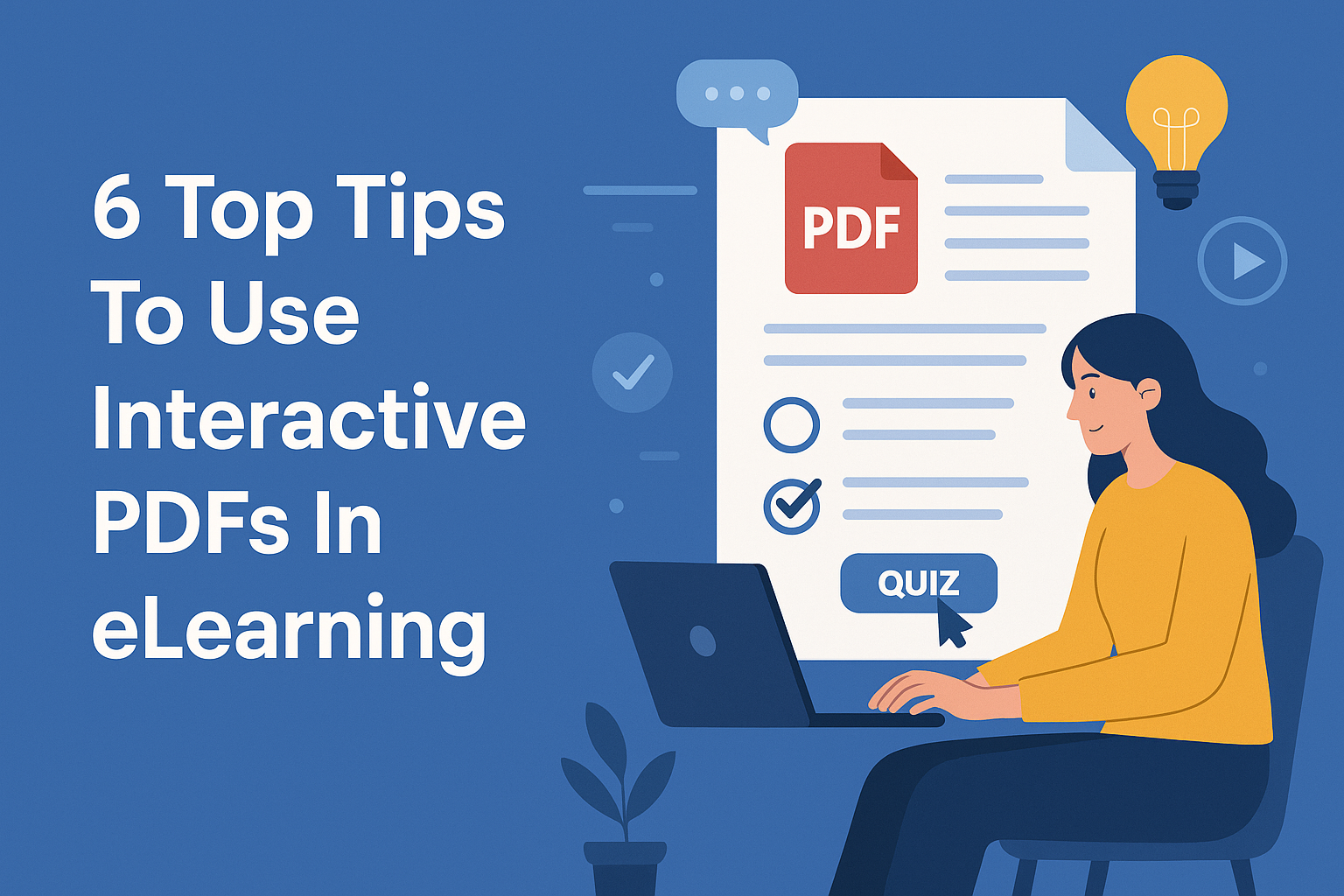
In the realm of education, the shift toward digital learning has been transformative, with interactive PDFs emerging as a game changer. These dynamic documents not only enhance engagement but also enrich the learning experience in eLearning environments. If you’re looking to integrate interactive PDFs into your eLearning strategy, understanding the best practices is crucial. Here are six essential tips to help you harness the full potential of interactive PDFs in eLearning.
1. Understand the Basics of Interactive PDFs
Before diving into the creation of interactive PDFs, it’s necessary to grasp what they are. An interactive PDF is a type of document that allows users to engage with the content actively. This includes features such as clickable buttons, embedded multimedia (like videos and audio), forms, and hyperlinks. Unlike traditional PDFs that are static and merely serve as a digital version of a paper document, interactive PDFs are designed to enhance the learning experience by making it more immersive.
This digital format is particularly beneficial in eLearning scenarios. For instance, learners can fill out forms directly within the PDF, access additional resources through hyperlinks, or even complete quizzes embedded in the document. All these features cater to different learning styles, making education more accessible and engaging for a diverse audience.
2. Design for User Engagement
When creating interactive PDFs for eLearning, user engagement should be at the forefront of your design strategy. A well-designed interactive PDF keeps learners interested and encourages them to explore the content. Start by considering the layout and aesthetics of your PDF. Use clear headings, subheadings, and bullet points to break down information into digestible chunks. This not only aids readability but also helps learners grasp complex concepts more easily.
Moreover, incorporating interactive elements like quizzes, drag-and-drop activities, and clickable graphics can further enhance engagement levels. For instance, a quiz embedded at the end of a module can provide immediate feedback to learners, helping them assess their understanding of the material. The key is to strike a balance between informative content and interactive features that invite participation. See also trends in K-12 learning.
3. Utilize Multimedia Effectively
One of the significant strengths of interactive PDFs in eLearning is the ability to include multimedia elements. Adding audio, video, and animations can significantly enhance the learning experience. For example, a short instructional video explaining a complex topic can be more effective than text alone. It caters to visual and auditory learners, making the content more accessible.
However, it’s crucial to ensure that multimedia elements are relevant to the content and enhance understanding. Avoid using them as mere embellishments. For instance, if you’re teaching a scientific concept, a video demonstration of an experiment can be insightful. Additionally, ensure that all multimedia is optimized for various devices to maintain accessibility across different platforms, including tablets and smartphones.
4. Incorporate Feedback Mechanisms
Feedback is a vital part of the learning process, and interactive PDFs can facilitate this through various mechanisms. Incorporating features that allow learners to submit feedback or self-assess their understanding can be incredibly valuable. Consider embedding forms for learners to provide feedback about the content or their learning experience. This not only fosters a sense of involvement but also provides you with insights into the effectiveness of your eLearning materials. (See: Understanding Interactive PDFs.)
Moreover, quizzes with instant feedback can help learners identify areas where they might need to focus more. Interactive PDFs can track progress, showing how many questions were answered correctly or incorrectly, which serves as a self-assessment tool. This immediate feedback loop encourages learners to reflect on their understanding and take ownership of their learning journey.
5. Ensure Accessibility and Compatibility
When creating interactive PDFs for eLearning, accessibility should be a critical consideration. This means ensuring that your PDFs are usable for individuals with disabilities. Utilize readable fonts, provide alternative text for images, and ensure that all interactive features are navigable using a keyboard. Accessibility compliance not only broadens your audience but also aligns with legal requirements in many educational contexts.
Additionally, compatibility is paramount. Your interactive PDFs should function seamlessly across various devices and platforms. Test your PDFs on different operating systems, browsers, and devices to ensure that users don’t encounter issues. This attention to detail will enhance the user experience, making learning smoother and more effective for everyone.
6. Regularly Update Content
Finally, if you want to keep your interactive PDFs relevant, regular content updates are essential. The world of knowledge is ever-evolving, and educational materials should reflect the latest information and practices. This could involve updating your PDFs with the latest research, adding new interactive elements, or even refreshing the design to keep it aligned with current trends.
Additionally, gathering data on how learners interact with your interactive PDFs can provide insights into what works well and what doesn’t. Using analytics tools, you can track engagement levels and identify sections of content that may need enhancement. This iterative approach not only improves the quality of your eLearning materials but also demonstrates a commitment to providing learners with the best possible experience.
7. Explore Different Types of Interactivity
Interactive PDFs can include a variety of interactive features that cater to different learning styles and preferences. Some common types of interactivity you can explore include: We covered key tech concepts for educators in more detail.
- Clickable Navigation: Use buttons for easy navigation within the document. This can help learners jump to specific sections, making it easier to find information.
- Embedded Assessments: Quizzes and assessments can be embedded to allow learners to evaluate their understanding in real-time.
- Interactive Timelines or Charts: These can help visualize complex information and allow users to engage with the data more meaningfully.
For example, an interactive timeline in a history course could allow learners to click on specific dates to reveal events, images, and context, making the learning process more engaging and informative.
8. Use Real-World Scenarios
Integrating real-world scenarios into interactive PDFs can significantly enhance the learning experience. By contextualizing information, learners can see the practical application of what they are studying. For instance, if you’re teaching a business course, consider including case studies where learners can analyze a company’s strategy and make decisions based on real data.
These scenarios can be interactive as well. For instance, you might present a challenge faced by a company and ask learners to choose a course of action. Based on their choice, they would be directed to different sections of the PDF that provide feedback or additional data to support their decisions.
9. Statistics on Interactive PDFs in eLearning
Understanding the effectiveness of interactive PDFs in eLearning can be further reinforced by statistics. According to recent studies: (See: eLearning in Health Education.)
- Engagement Rates: Interactive content typically generates 2 times higher engagement than static content.
- Retention Rates: Learners retain 60% more information when they engage with interactive content versus traditional learning methods.
- Preference: 86% of learners prefer interactive training materials to traditional formats.
These statistics underscore the importance of incorporating interactive PDFs as part of an effective eLearning strategy. By leveraging their capabilities, educational institutions and companies can create more effective and engaging learning experiences.
10. Expert Perspectives on Interactive PDFs
Industry experts have noted the pivotal role that interactive PDFs play in modern eLearning. Dr. Jane Smith, an eLearning specialist, states, “Interactive PDFs are essential in breaking the monotony of traditional learning. They allow for a richer experience that caters to multiple learning styles.” Similarly, Tom Brown, a digital content designer, emphasizes, “The ability to embed quizzes and multimedia not only keeps learners engaged but also helps reinforce the material in a memorable way.”
These perspectives highlight a broader consensus within the educational community about the value of interactive PDFs in promoting effective learning outcomes. (understanding authoring tools)
11. Benefits of Interactive PDFs Over Other Formats
When comparing interactive PDFs to other digital learning formats, several benefits stand out. For instance, while eLearning platforms often require a stable internet connection, interactive PDFs can be downloaded and accessed offline. This flexibility allows learners to study whenever and wherever they prefer, making it ideal for those with unpredictable schedules.
Another advantage is the ease of distribution. Sending a PDF is straightforward, and users do not need to navigate complex platforms or interfaces. This simplicity can lead to higher engagement rates, as learners face fewer hurdles in accessing the content. In addition, interactive PDFs can be easily updated and redistributed without the need for extensive platform changes, allowing educators to keep content current with minimal hassle.
12. FAQ About Interactive PDFs in eLearning
What are interactive PDFs?
Interactive PDFs are digital documents that allow users to engage with the content actively through features like clickable buttons, forms, and multimedia elements.
How do interactive PDFs enhance learning?
They enhance learning by making content more engaging, allowing for immediate feedback through quizzes, and catering to various learning styles. (See: The Rise of Interactive Learning.)
Are interactive PDFs accessible for all learners?
Yes, if designed correctly, interactive PDFs can be made accessible for individuals with disabilities by following web content accessibility guidelines (WCAG).
What tools can I use to create interactive PDFs?
There are several tools available for creating interactive PDFs, such as Adobe Acrobat, PDFescape, and Canva, among others. Each tool has its own features that cater to different needs. This builds on mastering curriculum design.
Can I track learner engagement with interactive PDFs?
Yes, many tools allow you to embed tracking features in your interactive PDFs, enabling you to analyze how learners interact with your content.
How can interactive PDFs support different learning styles?
By incorporating multimedia, interactive assessments, and varying types of content presentation, interactive PDFs cater to visual, auditory, and kinesthetic learners, thus enhancing overall learning outcomes.
What are some examples of industries using interactive PDFs in training?
Industries such as healthcare, finance, and technology extensively use interactive PDFs for training. For example, healthcare organizations might employ interactive PDFs to educate staff on compliance protocols or new procedures, while tech companies can use them for product training or onboarding.
Final Thoughts
Incorporating interactive PDFs into your eLearning strategy can significantly enhance the learning experience and promote greater engagement. By following these tips and exploring new ideas for interactivity, you’ll be well on your way to creating dynamic, interactive learning materials that resonate with your audience. The future of education is digital, and embracing tools like interactive PDFs can keep you at the forefront of this exciting evolution.
“`
Trending Now
Frequently Asked Questions
What are interactive PDFs used for in eLearning?
Interactive PDFs are used in eLearning to enhance engagement and create immersive learning experiences. They include features like clickable buttons, embedded multimedia, forms, and quizzes, allowing learners to interact with the content actively, making education more accessible and engaging.
How can I improve user engagement with interactive PDFs?
To improve user engagement with interactive PDFs, focus on design elements such as clear headings, subheadings, and bullet points. Incorporate interactive features like quizzes and drag-and-drop activities to keep learners interested and encourage exploration of the content.
What features should I include in an interactive PDF?
Key features to include in an interactive PDF are clickable buttons, embedded multimedia (videos and audio), forms for user input, and hyperlinks to additional resources. These elements cater to different learning styles and enhance the overall educational experience.
Why are interactive PDFs better than traditional PDFs?
Interactive PDFs are better than traditional PDFs because they allow for active engagement with content. Unlike static PDFs, interactive versions support multimedia elements, quizzes, and forms, making learning more dynamic and catering to diverse learning preferences.
What are the best practices for creating interactive PDFs?
Best practices for creating interactive PDFs include understanding the basics of the format, designing for user engagement, incorporating clear layouts, and integrating interactive elements that facilitate learning. These strategies ensure a more effective and enjoyable learning experience.
Have you experienced this yourself? We'd love to hear your story in the comments.


